Discover the Next Big Thing

Your daily radar for the latest startups, SaaS, and AI tools.

Startup Finds - Domain Rating

Top 8 on Outbid

#1$50
Best Launch Directories: launch directories with DR, traffic and pricing logo

Best Launch Directories: launch directories with DR, traffic and pricing

Launch directories, product launch platforms and startup listing sites in one table, with Domain Rating by Ahrefs, traffic where known, pricing and link type for each.

#2$45
Boost Your Domain Rating — DoFollow Backlinks (DR 30–70) from $30 logo

Boost Your Domain Rating — DoFollow Backlinks (DR 30–70) from $30

Raise your Ahrefs Domain Rating with 5 - 50 dofollow backlinks from DR 30–60 sites — from $50, guaranteed to improve your DR or your money back.

#3$41
DirEasy - The Best Directory Boilerplate with AI | DirEasy logo

DirEasy - The Best Directory Boilerplate with AI | DirEasy

The best directory boilerplate, packed with AI, Listings, Payment, Submission, CMS, Blog, Authentication, Newsletter, SEO and more.

#4$40
Submit Your Startup to 100+ Directories | Submitator logo

Submit Your Startup to 100+ Directories | Submitator

Automated startup directory submission service. Get listed on Product Hunt, BetaList, Indie Hackers & 100+ directories for SEO backlinks and DR boost. From $29.

#5$30
DirEasy - The Best Directory Boilerplate with AI | DirEasy logo

DirEasy - The Best Directory Boilerplate with AI | DirEasy

The best directory boilerplate, packed with AI, Listings, Payment, Submission, CMS, Blog, Authentication, Newsletter, SEO and more.

#6$25
Quiz Shot - Solve Any Screenshot Question in Seconds. logo

Quiz Shot - Solve Any Screenshot Question in Seconds.

AI Study Assistant that answers any screenshot question. Get free AI tutor and step-by-step math and homework help with ChatGPT.

#7$21
SizeItUp – Size It Up, the daily size comparison game logo

SizeItUp – Size It Up, the daily size comparison game

Size It Up is a free daily size comparison game. Guess the size of everyday objects, planets and dinosaurs against one you know, with every answer sourced.

#8$20
Quiz Boost - Invisible AI for Proctored Exams. logo

Quiz Boost - Invisible AI for Proctored Exams.

Quiz Boost works seamlessly with Canvas, Blackboard, Moodle, Schoology, and more. Get intelligent assistance that's completely undetectable by standard LMS monitoring.

Top Projects Launching Today

New launches in
00h
:
00m
:
00s
No projects found for "Top Projects Launching Today"

Yesterday's Launches

TrackMedia logo

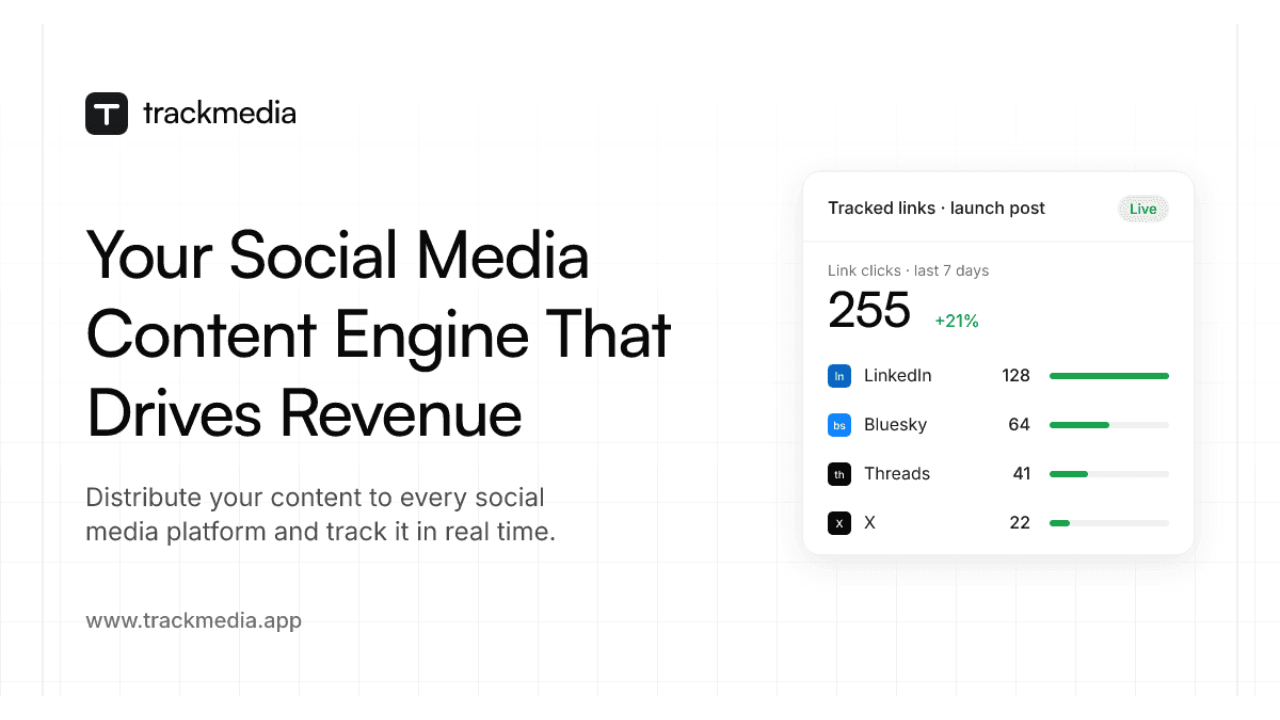
TrackMedia is the agentic social media content engine: write once, publish to 20 networks, track every click in real time, and let AI agents run it through an API, CLI and MCP server. Built for creators, brands and agencies who want to know which posts pay off.

Last Week's Top

TrackMedia logo

TrackMedia is the agentic social media content engine: write once, publish to 20 networks, track every click in real time, and let AI agents run it through an API, CLI and MCP server. Built for creators, brands and agencies who want to know which posts pay off.

tmps.fyi – Online Clipboard logo

tmps.fyi is a free online clipboard and temporary file-sharing tool. Share text, images, and files between your phone, tablet, and computer in real time. On desktop, capture screenshots and share them directly — all in your browser, with no app or sign-up required.

Smarter IPTV logo

Smarter IPTV: Your Ultimate Entertainment HubSmarter IPTV offers a premium IPTV subscription service, providing access to a vast library of live TV channels, movies, and series. It's designed for entertainment enthusiasts seeking a comprehensive and flexible streaming solution across various devices.Key Features:5000+ Movies: Access to thousands of movies from around the world.10,000+ Series: Binge-watch your favorite TV shows anytime.All Live Channels Worldwide: Stream live TV from across the globe.Compatible with All Devices: Stream anywhere, anytime on your favorite devices (Android, Smart TV, iOS, PC, etc.).HD/FHD/4K Quality: Enjoy high-definition streaming for an immersive viewing experience.Premium Support: 24/7 customer assistance for any queries or issues.Use Cases:Smarter IPTV is ideal for individuals and families looking to cut the cord from traditional cable TV while retaining access to a wide array of content. It's perfect for international viewers who want to watch channels from their home country or explore global content. Sports fans can catch live fixtures and highlights, while movie buffs and series addicts will find an endless supply of entertainment.The service also caters to users who prefer flexibility, allowing them to stream on multiple devices, whether at home on a Smart TV or on the go with a mobile device. It's a great solution for those seeking a single platform to consolidate their entertainment needs, including access to popular streaming services.Pricing Information:Smarter IPTV offers flexible pricing plans, including a 24-hour free trial for €1.00 (which is then saved, implying it's effectively free for the trial). Monthly subscriptions are available for €9.99, a 6-month plan for €29.99 (€4.998/month), and a 12-month plan for €49.99 (€4.166/month), offering significant savings for longer commitments. All plans include a satisfaction or refund guarantee.User Experience and Support:The platform emphasizes ease of use, with compatibility across a wide range of devices and a straightforward setup process. Users can place an order, receive account details within 15-30 minutes, and start streaming immediately. Smarter IPTV provides premium support, including WhatsApp contact, ensuring users have assistance whenever needed. The website also features a blog with guides and troubleshooting tips, such as how to fix IPTV buffering.Technical Details:Smarter IPTV supports M3U URLs and portals, making it compatible with various IPTV players and devices. It delivers content in HD, Full HD, and 4K quality, ensuring a high-fidelity viewing experience. The service is designed for daily updates to its content library.Pros:Extensive library of movies, series, and live channels.Wide device compatibility (Android, iOS, Smart TV, PC, Fire Stick, MAG Box).High-quality streaming (HD/FHD/4K).Flexible pricing with a free trial and refund guarantee.Dedicated premium support.Includes popular streaming platforms.Cons:Trial is listed as €1.00, which might deter some users expecting a completely free trial.Setup process can take 15-30 minutes, which might be a slight delay for immediate access.Specific programming languages or frameworks are not explicitly mentioned.Conclusion:Smarter IPTV presents itself as a comprehensive and cost-effective alternative to traditional cable, offering a vast selection of global entertainment. With its broad device compatibility, high-quality streaming, and dedicated support, it's an attractive option for anyone looking to enhance their viewing experience. Explore Smarter IPTV today to unlock a world of entertainment.


WEXTL logo

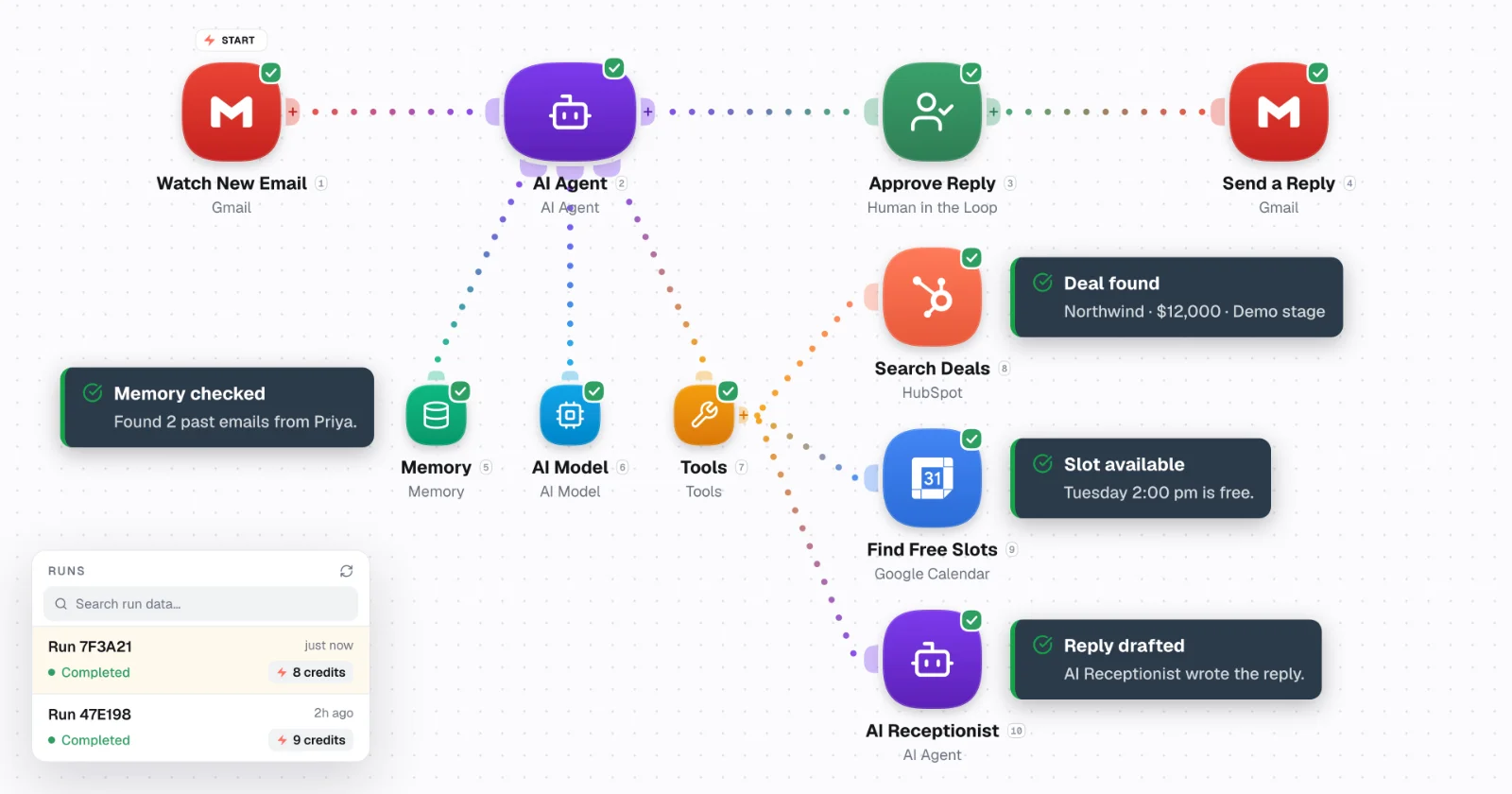
Build AI agents and automate workflows across your apps on WEXTL — with loops, human-in-the-loop controls, and systems that scale. Connectors first. Drop to JS when you need to.WEXTL gives more for better price. Most used features are available out of the box, and you can scale predictably.This is better choice rather than self-hosted versions of n8n or other tools - where you pay same price, but do not have backups, support and ongoing maintenance of the connectors.The team behind WEXTL has been in automation world for more than 6 years, and knows all pain point of alternative automation tools.

Image Resizer logo

ToolBench Image Resizer is a powerful, browser-based SaaS tool designed for effortlessly adjusting the pixel dimensions of images. It serves as an all-in-one solution for individuals and professionals who need to prepare images for various digital and print applications without compromising privacy or requiring software installations. This tool is ideal for web developers, social media managers, content creators, and anyone looking to optimize images for faster loading times, specific platform requirements, or print specifications. Key Features Client-Side Processing: All resizing occurs directly in your browser, ensuring complete privacy as no images are ever uploaded to a server. Batch Resizing: Efficiently resize multiple images simultaneously to the same specifications. Flexible Resizing Options: Set exact dimensions, scale by percentage, or choose from a wide array of ready-made presets for social media and common screen sizes. Aspect Ratio Control: Maintain aspect ratio, force exact dimensions (with potential distortion), or crop to fill the target size. Broad Format Support: Works with JPG, PNG, WebP, GIF, and BMP formats, with output typically in the original format or PNG for unsupported types. No Limits or Sign-up: Enjoy unlimited usage without file size restrictions or the need for an account. Use Cases ToolBench Image Resizer is invaluable for optimizing website performance by reducing image file sizes through dimension adjustments, leading to faster page load times. Content creators can easily prepare images for platforms like Instagram, YouTube, and Twitter using predefined presets, ensuring their visuals always look professional and fit perfectly. Furthermore, it's perfect for print preparation, allowing users to resize images to specific paper sizes (e.g., A4, 4x6 inches) or adjust DPI settings for high-quality prints like passport photos or posters. The tool also helps in managing image aspect ratios, preventing distortion when adapting images for different display contexts. Pricing Information ToolBench Image Resizer is completely free to use. There are no hidden costs, subscriptions, or sign-up requirements, making it an accessible solution for everyone. User Experience and Support The user interface is intuitive and straightforward, supporting drag-and-drop functionality or pasting images directly. Users can easily input desired width, height, unit, and DPI, with clear options for aspect ratio control. A live preview allows users to visualize changes and adjust framing before downloading. Comprehensive "How to resize an image" guides and FAQs are integrated into the page, providing immediate support and instructions. Technical Details This SaaS leverages modern web technologies for client-side image processing. This means all computational tasks are performed locally within the user's browser, utilizing JavaScript and HTML5 Canvas capabilities. This architecture ensures high privacy standards and eliminates the need for server-side infrastructure for image manipulation. Pros and Cons Pros: Exceptional privacy due to client-side processing. Efficient batch resizing capability. Highly versatile with multiple resizing and aspect ratio options. Completely free with no sign-up or file limits. User-friendly interface with helpful guides. Cons: Quality degradation when significantly scaling images up (inherent to image scaling). Lacks advanced image editing features beyond resizing and basic cropping. No dedicated customer support channel mentioned beyond on-page FAQs. Conclusion ToolBench Image Resizer stands out as a highly private, efficient, and versatile online tool for all your image resizing needs. Its client-side processing, batch capabilities, and comprehensive resizing options make it an indispensable asset for anyone looking to quickly and securely adjust image dimensions. Explore ToolBench Image Resizer today to streamline your image workflow.

Last Month's Top

Breezit AI logo

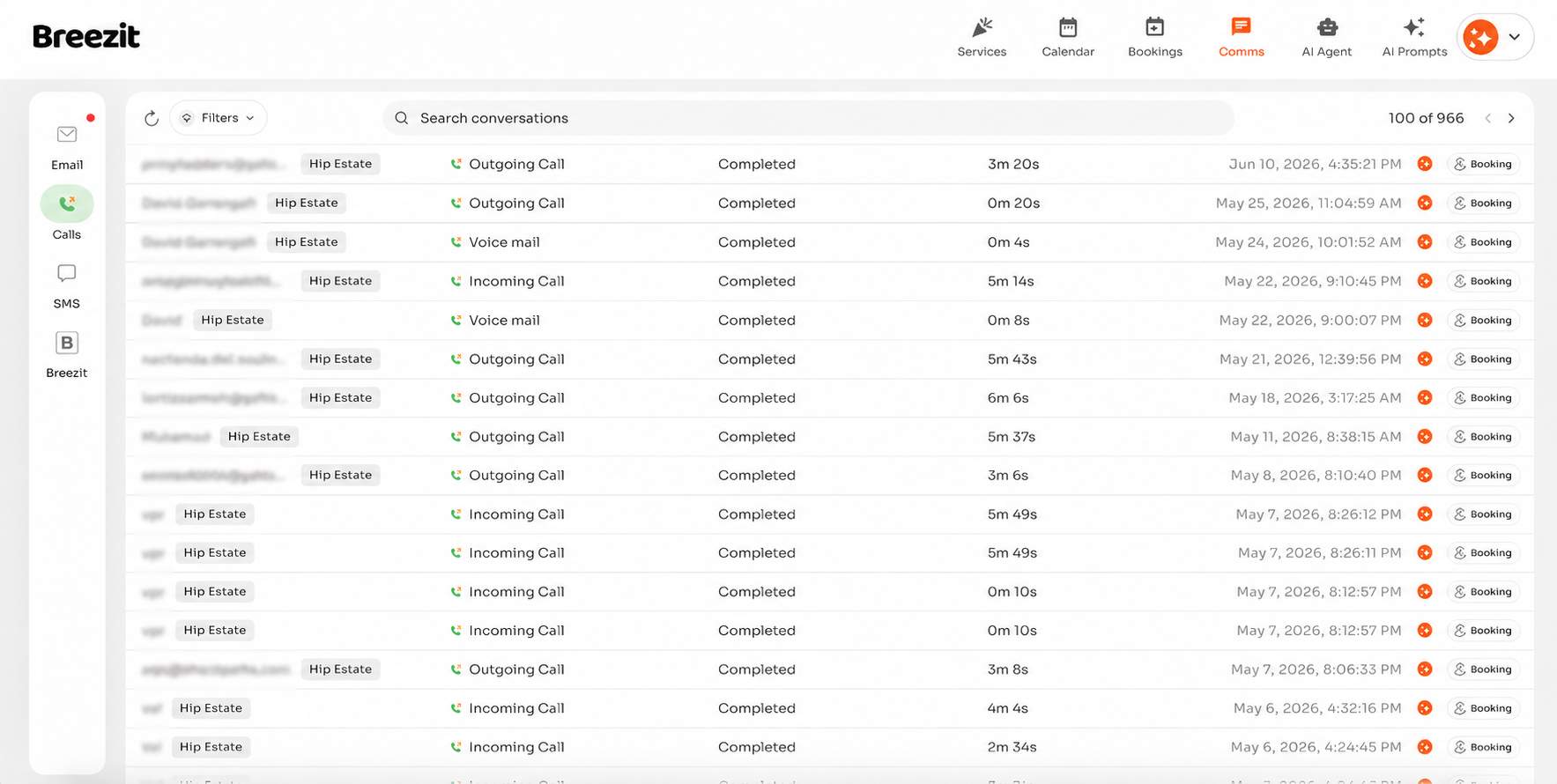
Breezit is an AI sales assistant for event venues that answers, qualifies, and books every inquiry 24/7, turning more leads into booked tours

Finzomo logo

Independent research publication that tests and ranks business software by category

ToolSldash logo

The ultimate curated directory for discovering cutting-edge software, AI tools, and platforms to boost productivity and creativity.

TrackMedia logo

TrackMedia is the agentic social media content engine: write once, publish to 20 networks, track every click in real time, and let AI agents run it through an API, CLI and MCP server. Built for creators, brands and agencies who want to know which posts pay off.

Protato logo

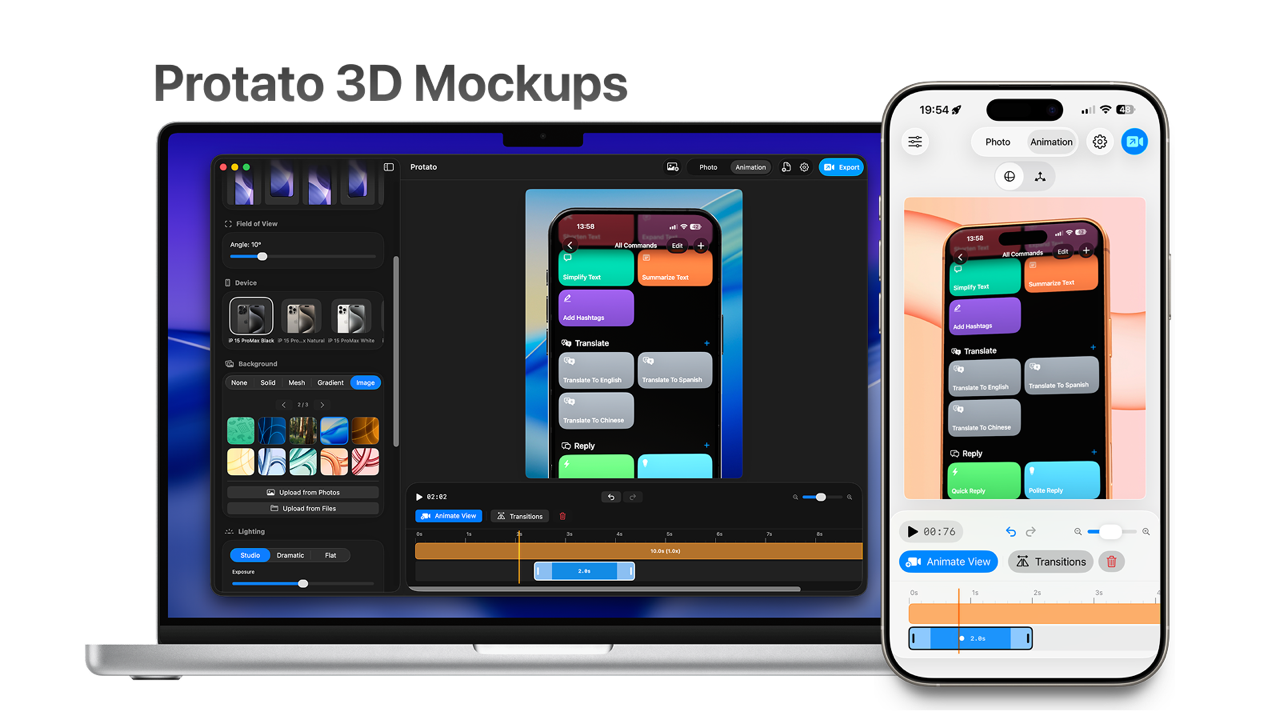
Protato is a native 3D iPhone mockup generator for iOS, iPadOS, and macOS that helps developers, designers, marketers, and founders create professional product visuals in seconds.Add your app screenshot or screen recording to a realistic 3D device, customize the lighting, background, camera angle, and composition, then export the finished result as an image or animated video. Protato includes real-time 3D previews, lighting presets, smooth camera animations, video-on-screen support, custom backgrounds, and exports up to 4K.It’s designed for creating App Store screenshots, product launch assets, social media posts, Reels, TikTok videos, advertisements, pitch decks, and presentations without needing traditional 3D software or advanced design skills.

Subscribe to Newsletter

Subscribe to our newsletter to get the best products weekly.

Latest Blogs